
SCREENSHOTS
Astrohacker TermSurf — terminal, real browser panes, and product apps in one window.
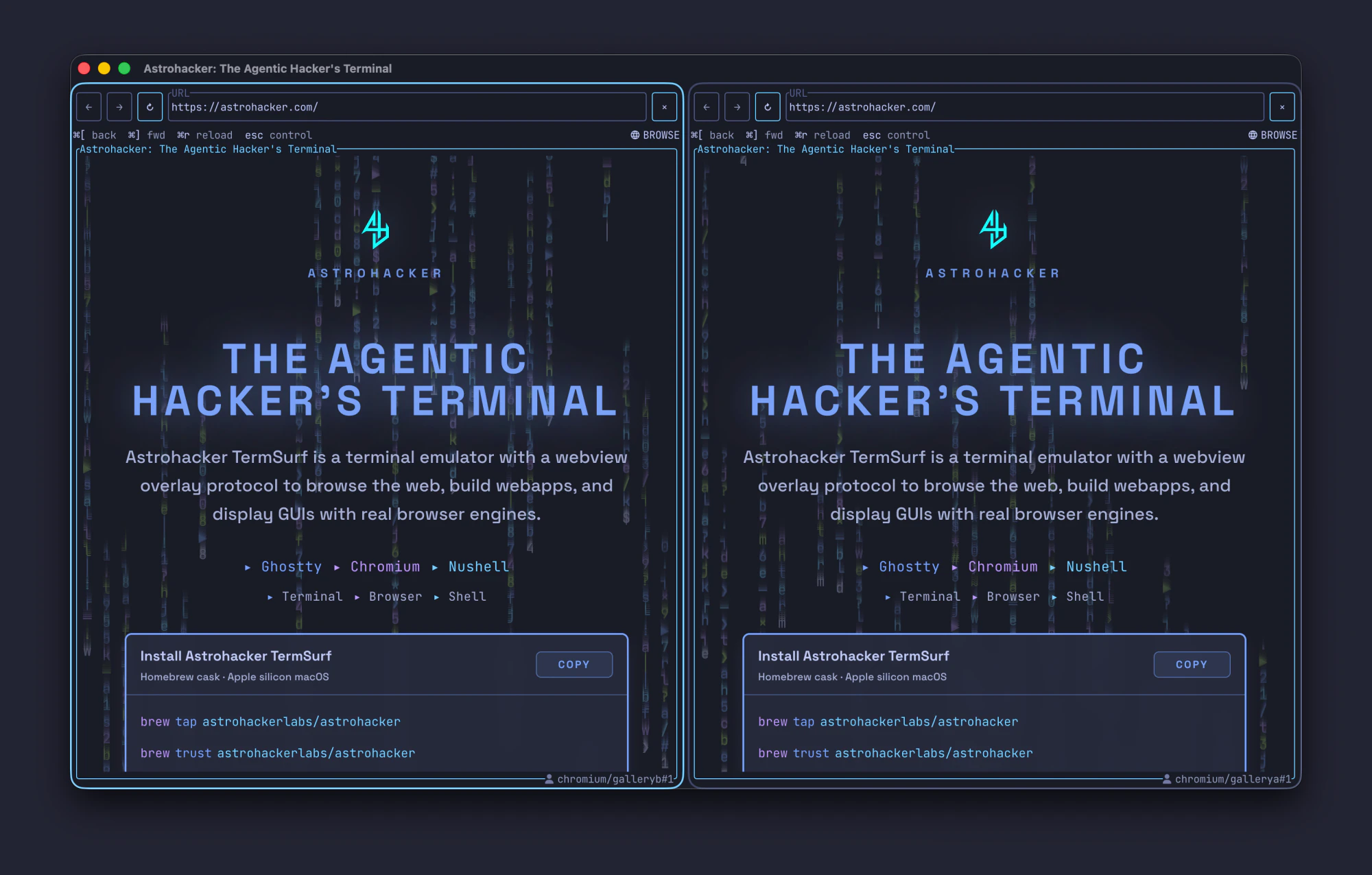
Two different browser profiles in one window
Each pane runs its own browser profile—separate sessions, cookies, and logins—side by side. Look at the bottom-right of each viewport for the profile name (e.g. chromium/gallerya vs chromium/galleryb). Ordinary browsers keep you in one profile per window; TermSurf keeps multiple profiles open together in a single window.
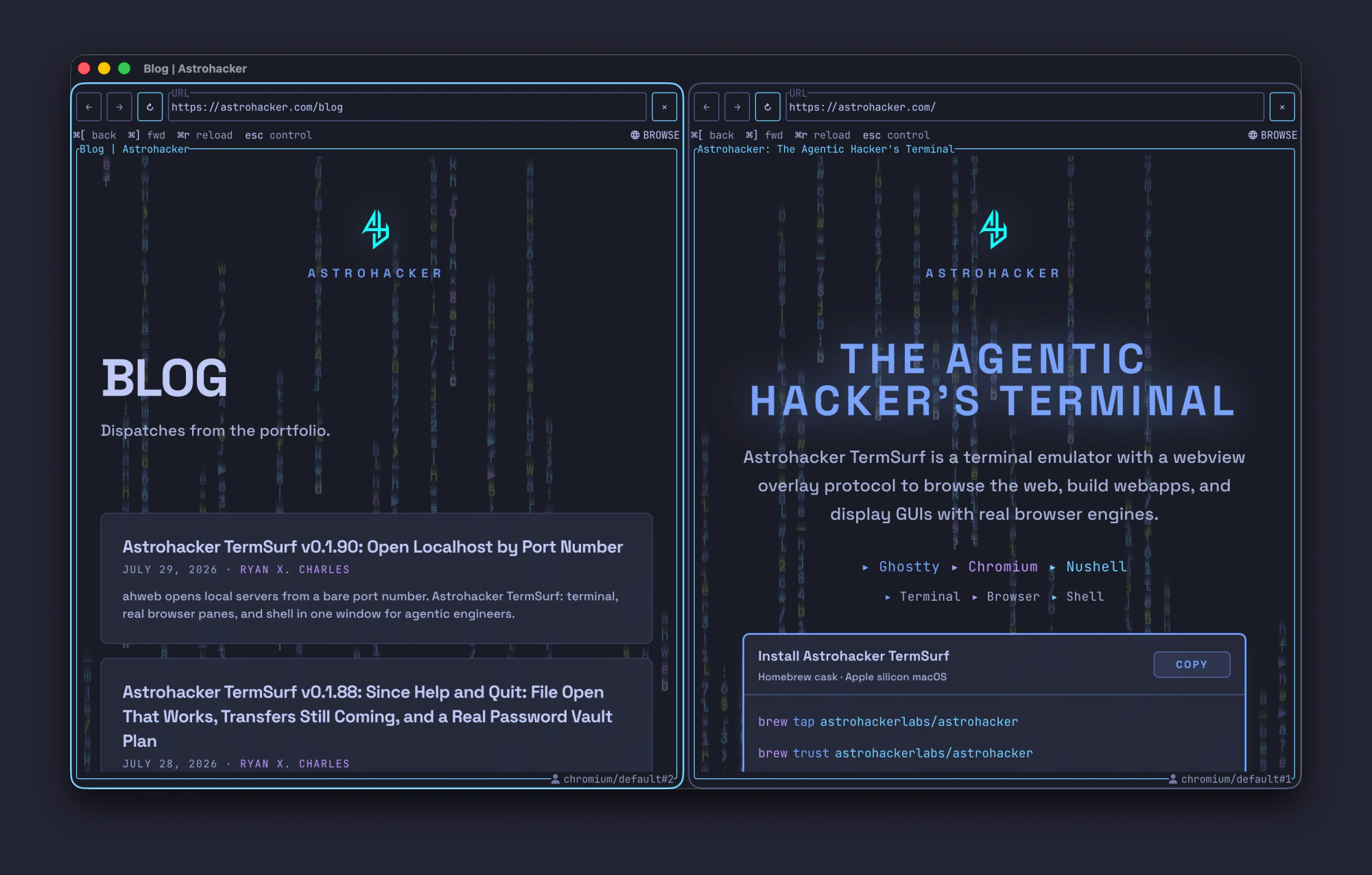
Two real browser panes at once
Split the window and open two sites in parallel—for example product home and the blog—without juggling separate app windows. Both panes are real Chromium surfaces in the same TermSurf frame.
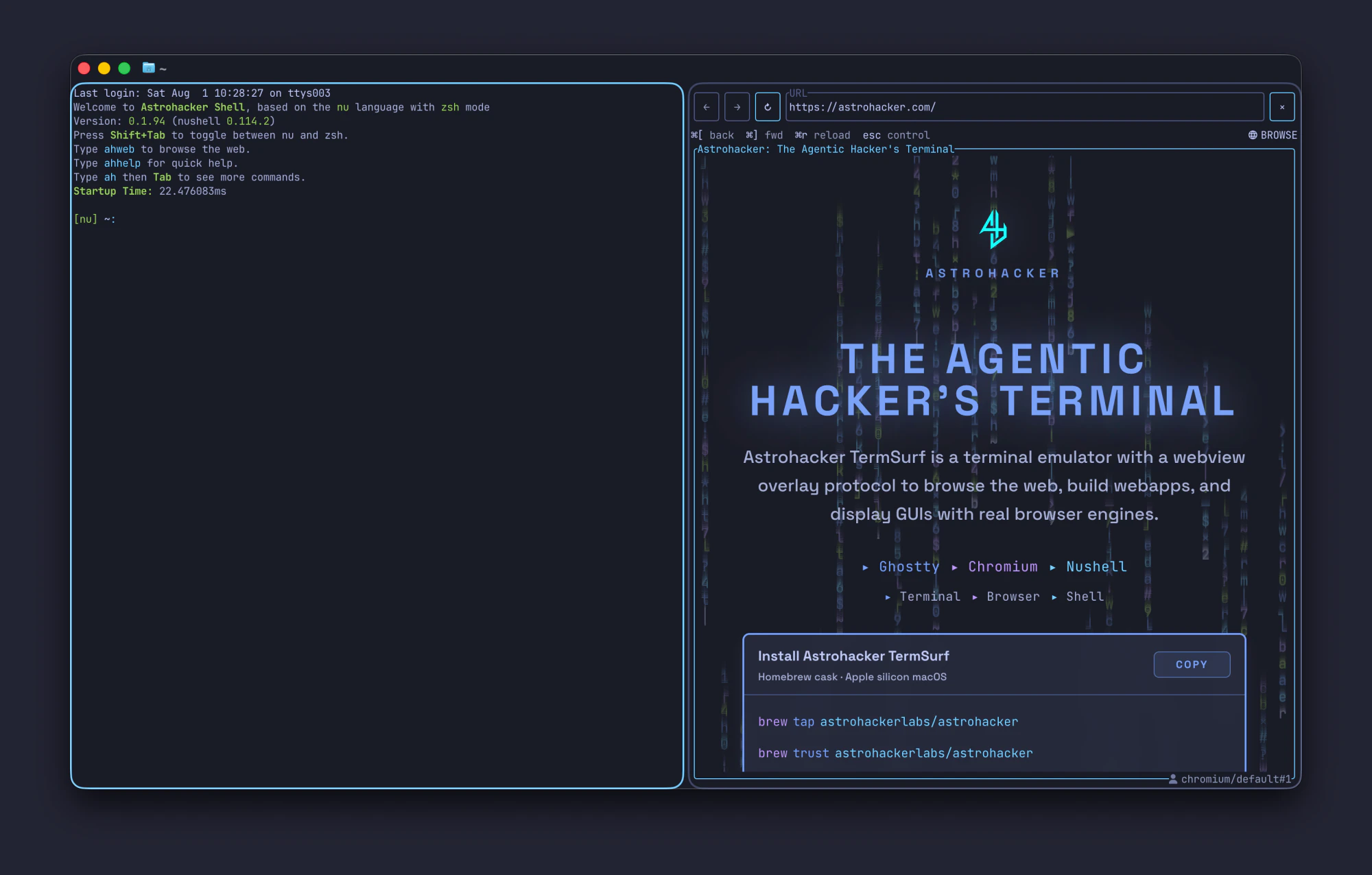
Shell and browser, same window
Keep a real shell session next to a live browser pane. Agents and humans can drive the web without leaving the terminal host.
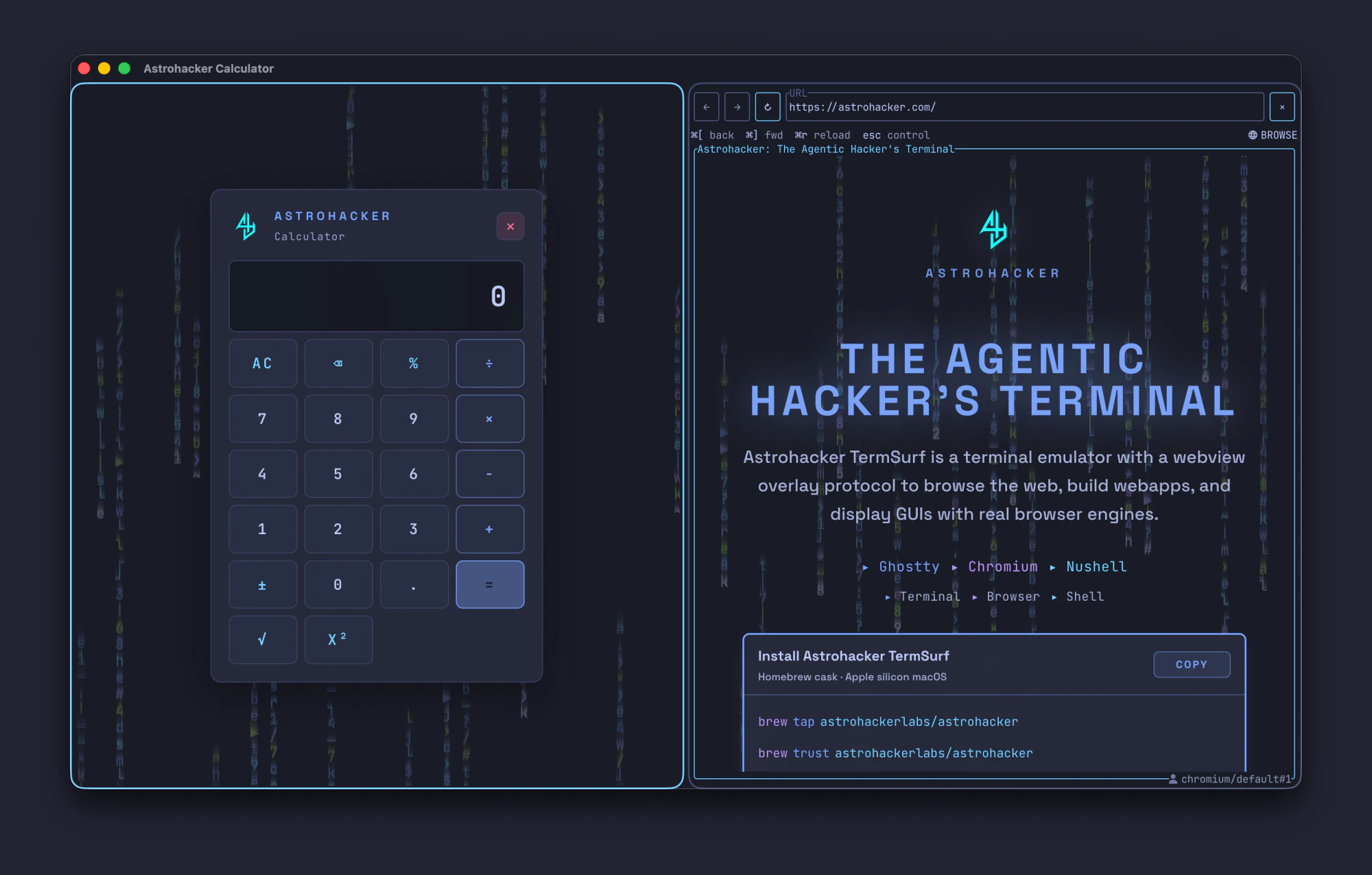
Product apps beside the web
Full-pane TermSurf apps (here, the scientific calculator) sit next to a normal website. GUIs and browsing share one layout instead of a pile of separate programs.
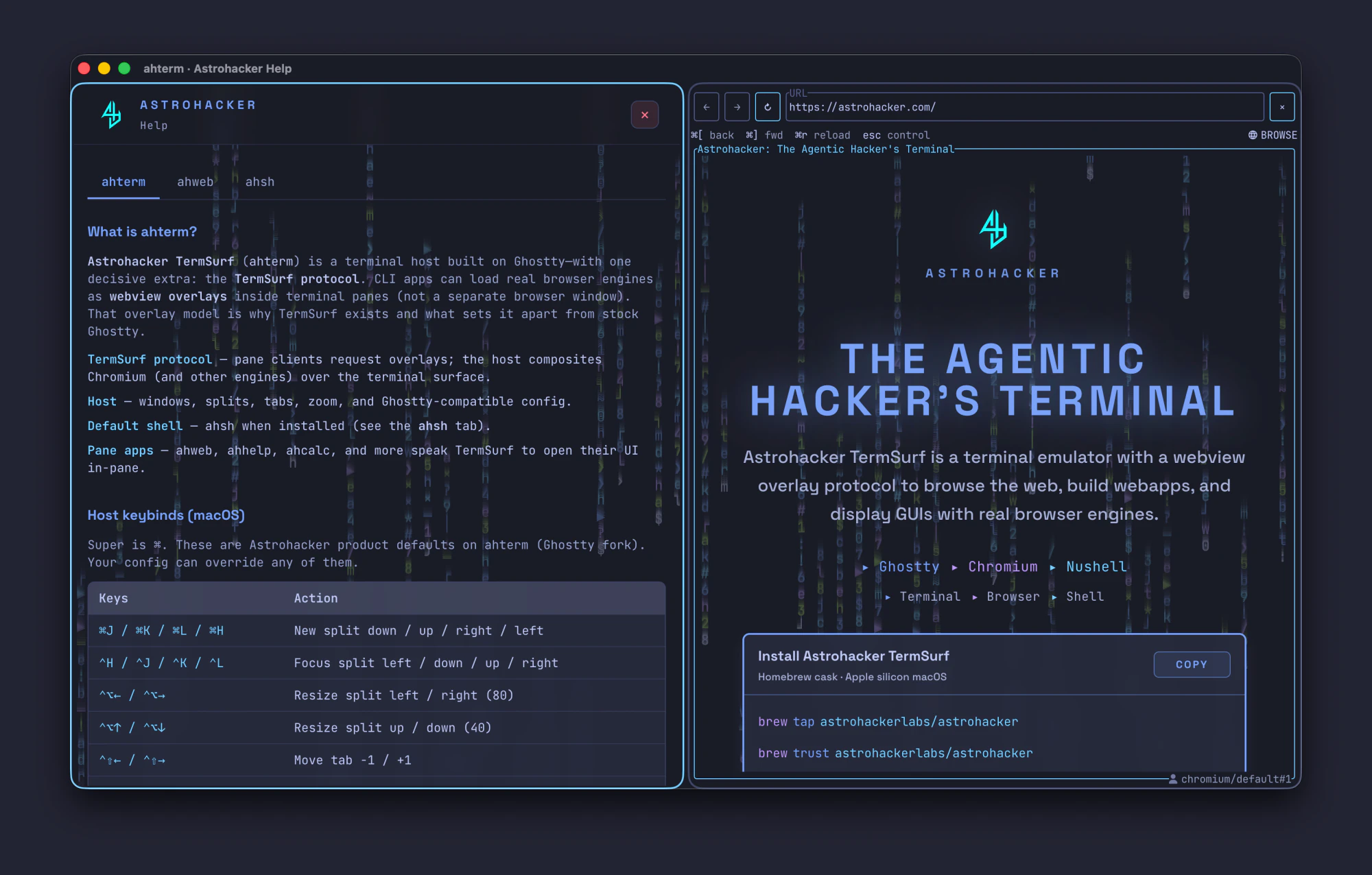
Help open while you browse
The product help cheatsheet runs as its own pane next to whatever you’re looking up on the web—docs and context without losing your place.
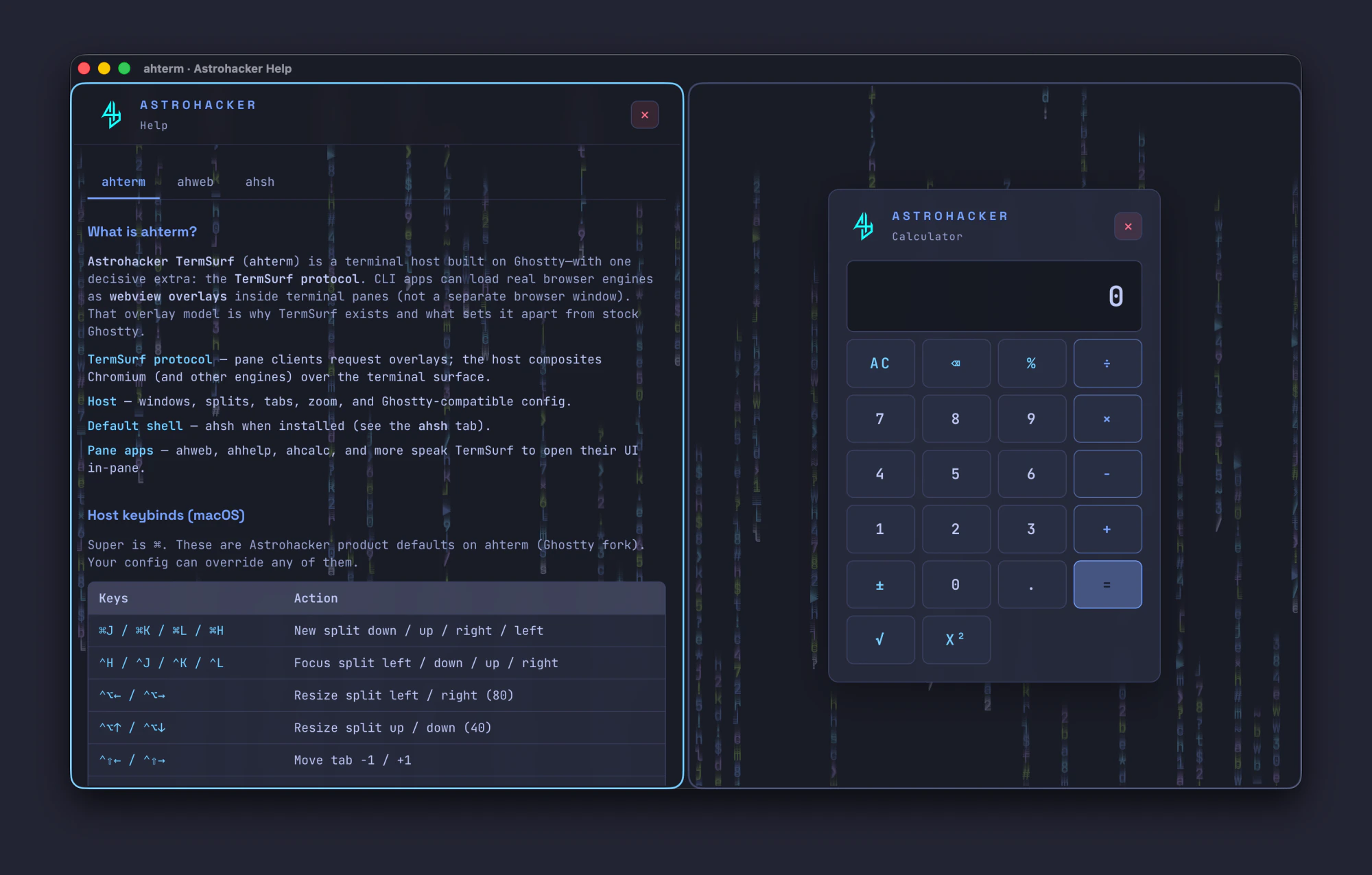
Apps compose with apps
Not only web + shell: TermSurf product apps can sit side by side—help and calculator here—as first-class panes in the same host.
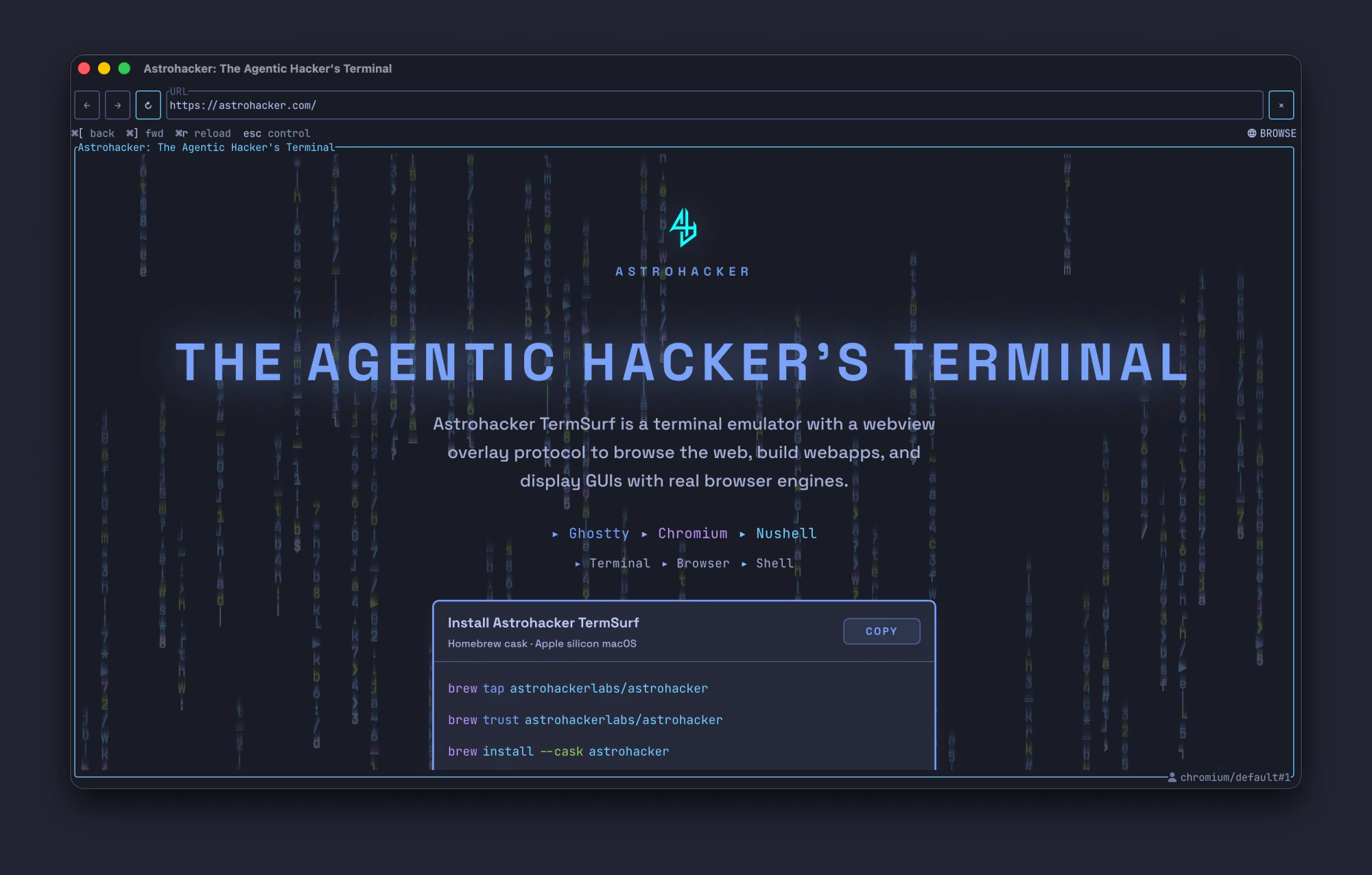
Browse the web inside your terminal
This is Astrohacker TermSurf: a normal terminal window with a real Chromium browser running as a pane—same app, same window, not a separate browser you alt-tab to.
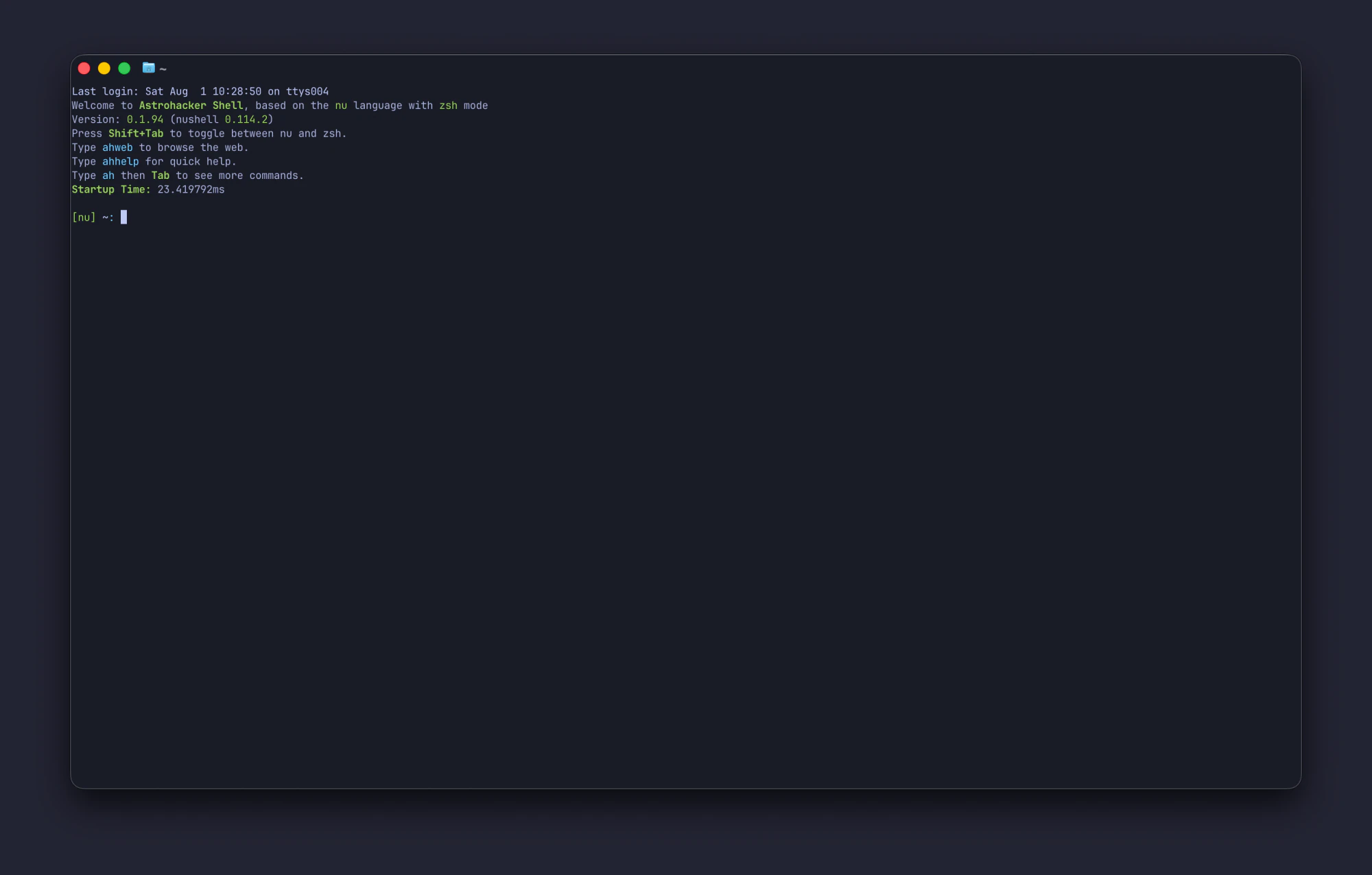
Still a terminal when you want one
No requirement to open a browser pane. Astrohacker Shell alone is a normal full-window terminal session—multi-pane is optional, not mandatory.